Skills Training and Assessments

Running a Skills Training & Assessment Course (STA)

You’ll start seeing Skills Training & Assessment (STA) courses in the LMS. Each one is a single hands-on skill. The student comes in with some background. You run them through the skill, demonstrate it, show the technique behind it, and coach them until they’ve got it. Then they prove it on their own before moving on. That hands-on stretch is the heart of every STA, and it’s yours.

Here’s what an STA looks like from your side, and what’s built into each one to back you up.

Students arrive prepared

Before students get to you, each one completes a short pre-quiz on the skill. There’s reading available to go with it, but it’s there for the student who has never run into this skill on the job. It isn’t a cover-to-cover requirement for everyone. Someone who has already done the work in the field can go straight to the pre-quiz. Someone who hasn’t gets enough of a running start that they’re not walking in cold. Either way, the pre-quiz is the checkpoint. It confirms they’ve come in with enough background to make your time count.

Students also get a prep checklist of the skills the STA covers. They can practice these on the job, at home, or in makeup time, and check them off as they go for a running read on their own readiness. By the time they’re in front of you, the groundwork is laid and you can get straight to the skill.

What every STA includes

Every STA follows the same path, so once you’ve run one, the rest feel familiar. And every STA hands you the same set of materials to work from:

  • Step-by-step setup instructions: the workspace, the tools and materials, and the safety check.
  • A step-by-step training exercise that the students work and you lead.
  • An observation and evaluation guide that tells you what to demonstrate, the key points to hit, and the common mistakes to watch for.
  • Tool and material lists for both the training and the assessment, plus any prints or specs.
  • The assessment and its student handout, scored through STAT, the Skills Training & Assessment Tool.

None of that is meant to script you. It keeps the skill consistent from one program to the next, with the same standard and the same expectations, while you bring your own technique and experience to how you run it. You know the trade. The materials just make sure every student, in every program, comes out the other side with the same skill.

Running an STA

  1. Set up

Use the space you already have. STAs don’t come with a required layout or anything you have to build to match. There’s an example layout if you’re starting from scratch, but if you’ve already got a space that works, run with it. Give each student room to work and a clear view of your demonstrations, stage the tools and materials off the list, and run the safety check. (For Knot Tying 101, that’s inspecting the rope for damage and reviewing safe cutting; every STA spells out its own.) Then take a few minutes to run back through the skill yourself, along with the common-error list, so you know what to flag before a student does.

  1. Run the training exercise

Start with a group intro: the task, the expectations, and the safety points. Then work the skill one step at a time. Demonstrate it, show the technique, and explain where it shows up on the job. Then watch each student do it and coach them in real time. Students don’t move to the next step until they’re ready. The observation guide helps ensure every critical step is covered.

  1. Run the assessment

When training is complete, switch to assessment mode. Launch the STAT, verify which students are present, and brief them on what they’ll perform. From there, they work on their own. You observe their performance and answer procedural questions, but coaching stops during the assessment.

  1. Score and remediate

STAT walks you through each assessment criterion while you score student performance. One instructor can assess the whole group and the individuals in it at the same time, so you’re not grading one person at a time. If a student doesn’t demonstrate competency, STAT points to the specific skill or objective and where to shore it up: coursework to revisit, or a prerequisite STA to rerun. The goal is simple. They walk away competent, or they walk away knowing exactly what to work on before they try again.

Finding your STAs

STAs are accessed from the same LMS you already use. Once you’re enrolled, open the new Learning & Skills tab (formerly My Courses), and select My STAs from the new Course/STA dropdown. The STA workspace looks and functions just like My Courses. You can organize STAs into tabs and arrange them however you prefer. Opening an STA gives you everything for that skill in one place.

As an instructor, you’ll see:

  • Setup instructions
  • Observation and evaluation guide
  • Instructor checklist
  • Materials and tools lists
  • Prints and specs
  • Pre-quiz answer key
  • Launch STAT button

Those instructor pieces are hidden from students, so students only ever see their side of it.

STAs were built to make hands-on instruction easier to deliver, easier to assess, and more consistent across every program. They give you the structure and the resources, and they leave the technique and judgment where they belong — in the hands of experienced instructors.
Navigating the Upcoming CML Software Update

🤝 Navigating the Upcoming CML Software Update
I’d like to take this opportunity to follow up on the LMS notice regarding the upcoming update to the CML course modules. While these technical updates are a necessary part of maintaining a robust learning environment, I understand they can occasionally cause confusion for both you and your students. This update has been scheduled during what is a historically slow period of LMS activity to minimize the disruption, but I understand that it will potentially negatively impact certain students. This is the underlying reason for providing additional lead time for you and your students.
I want to inform you, the instructor, our first line of communication with the students, about why we do these updates and how you can best support your students through the process.

(more…)

📣The 2025–2026 Training Essentials Catalogs Are Here!

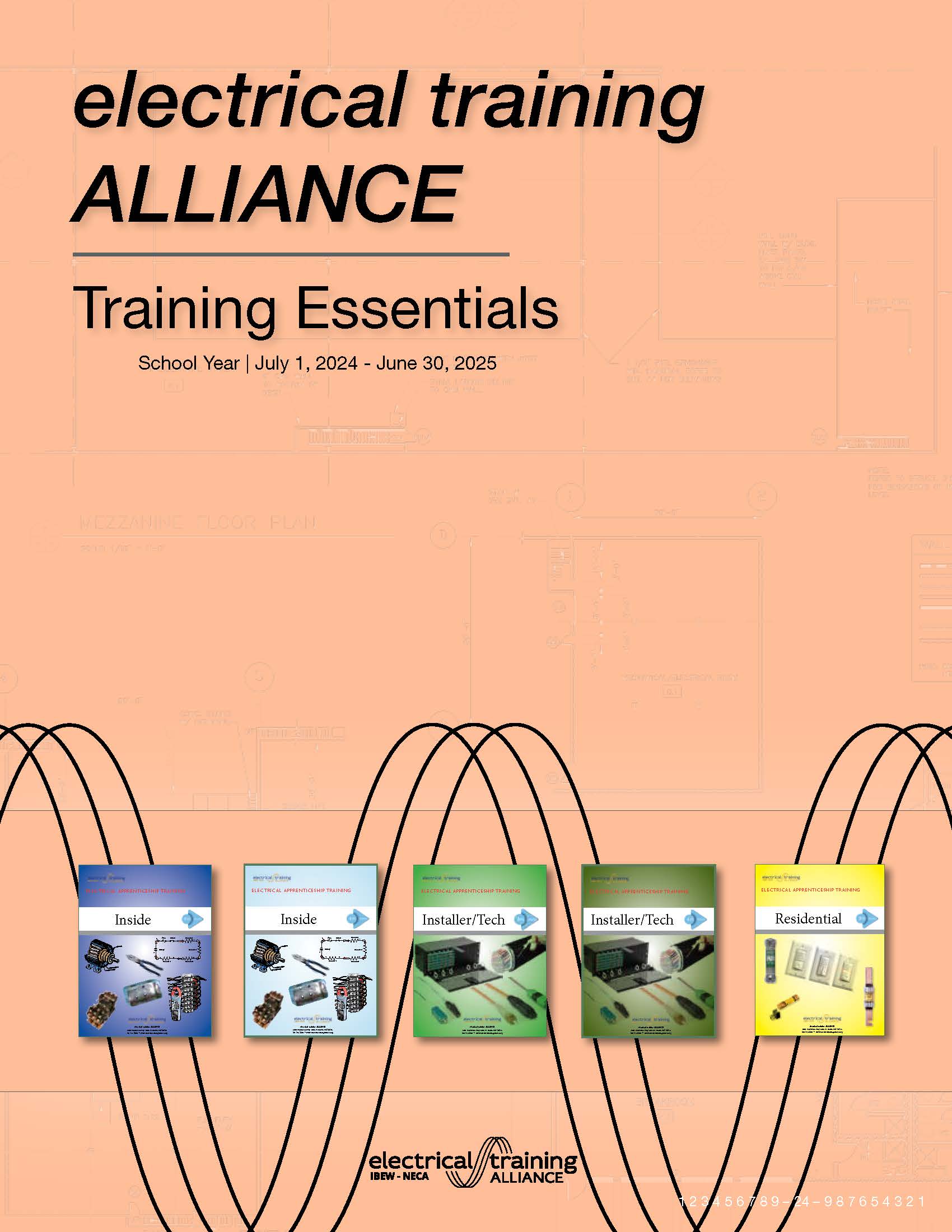
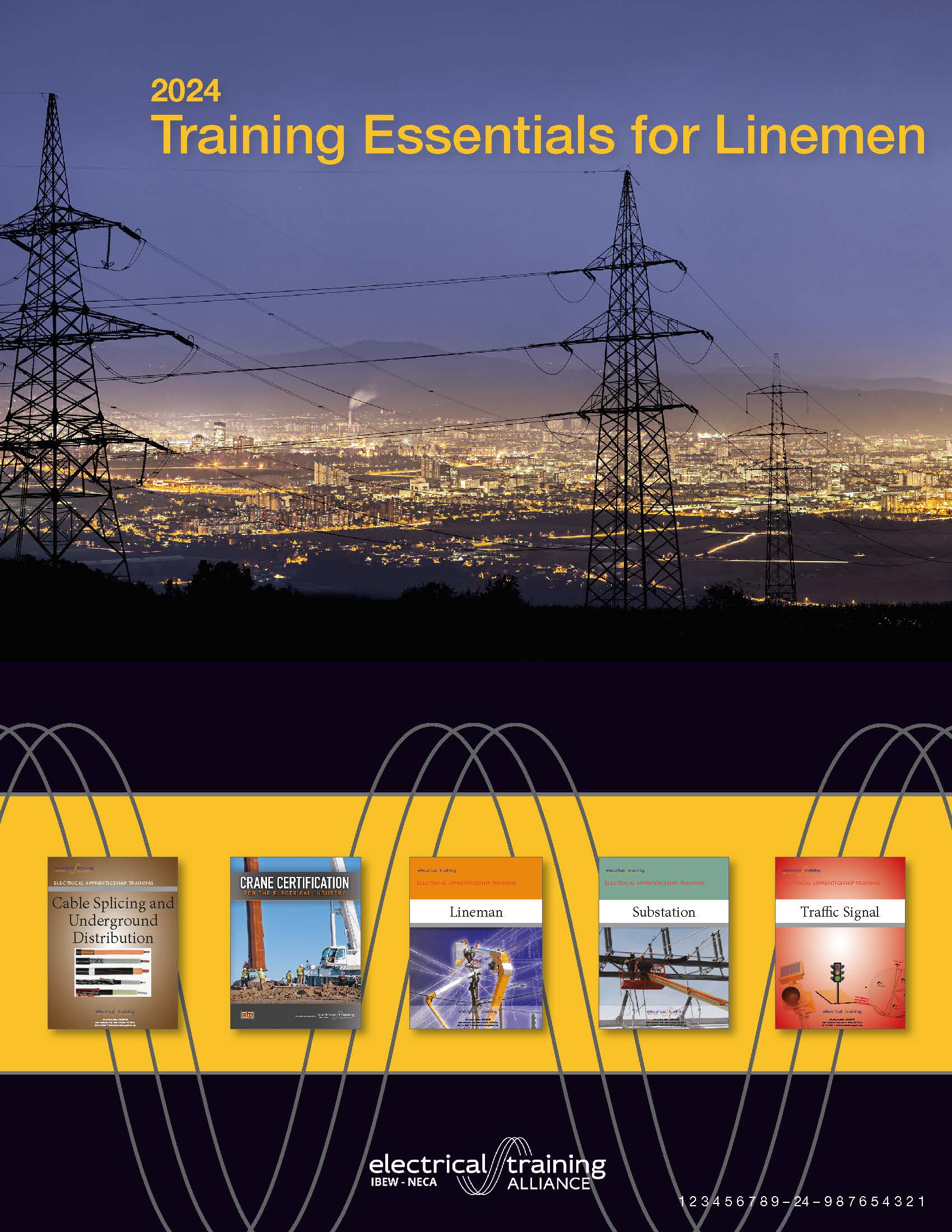
The electrical training ALLIANCE is excited to announce that the Training Essentials Catalogs for Inside Wiremen and Linemen programs for the 2025–26 school year are now available!

Want a sneak peek at what’s new? Flip to the first few pages of the catalog to see all the updates and fresh additions we’ve lined up for the upcoming school year.

🗓️ Reminder: All pricing and content go into effect July 1, 2025.

Highlights include:

  • New courses like Electrical Theory 3: Alternating Current, Motor Code Calculations, and Harassment Prevention 2025
  • Streamlined course navigation with mobile-friendly tools and built-in LMS support
  • Program updates across Inside, Installer/Technician, and Residential
  • Easy access to eBooks, and ordering through the online bookstore

🔗 Download the catalog through the Bookstore and start planning for the new school year today! Printed copies will be mailed to training locations. For additional printed copies, place your order through the bookstore.

Let’s power up 2025–26!

LMS Quiz Error Issue – June 12, 2024 (8:50 am – 10:57 am Eastern)

At 8:50 am Eastern on 6/12/2024 we were alerted about an issue with the Learning Management System affecting quizzes in the Tech Math – CML and Construction Drawings – CML courses. The development teams were able to pinpoint the cause and resolved the issue at 10:57 am. 

So… what happened?

Tech Math – CML and Construction Drawings – CML both use questions that generate random variables that make each quiz and quiz attempt unique. When a student (or instructor) attempts a quiz, the system pulls the random variables needed for those question types. This morning, the number of concurrent random variable requests hit the limit that prevents overloading servers.

So… what did we do?

Because our LMS servers can automatically scale up and down as needed, the team was able to disable this parameter and the random variable function for these quizzes was restored.

We apologize for any interruptions and frustration caused by this incident. We will continue to monitor the LMS for issues, learn from incidents like this, and strive to deliver an online learning environment that performs flawlessly for your students and programs.

The 2024-25 electrical training ALLIANCE Training Essentials Catalog is Ready to View

Let the planning begin for the next school year!

The 2024-25 electrical training ALLIANCE Essentials Catalog has been sent to print and is available by clicking here for Inside Wiremen and Linemen.

You may also access and download the catalog by logging in to the member’s area of the site and locating the downloads in the resources area.

If your are looking for what’s new and coming be sure to check out the front pages of the catalog to see all of the updates!

Prices and content will be effective July 1, 2024.

While the teams are diligently working to wrap up all details for the content for this upcoming year, some of the courses that are noted in the catalog are not quite ready for use.  All courses listed though are expected to be ready for use for this calendar school year.  As these courses become available, we will announce them here and/or in newsletters.

Thanks for reading!

Significant Code Changes to the NEC 2023 – CML

Significant Code Changes to the NEC 2023 – CML 

We are very excited to announce the rollout of an online Significant Code Changes to the 2023 NEC course and communicate how this course can further support the needs of the industry. You will now find this course available to programs within the etA bookstore. Stay tuned for future courses like this as they also become available on the SkillsPrep.org website. Read on to learn more about this new offering!


Course Layout

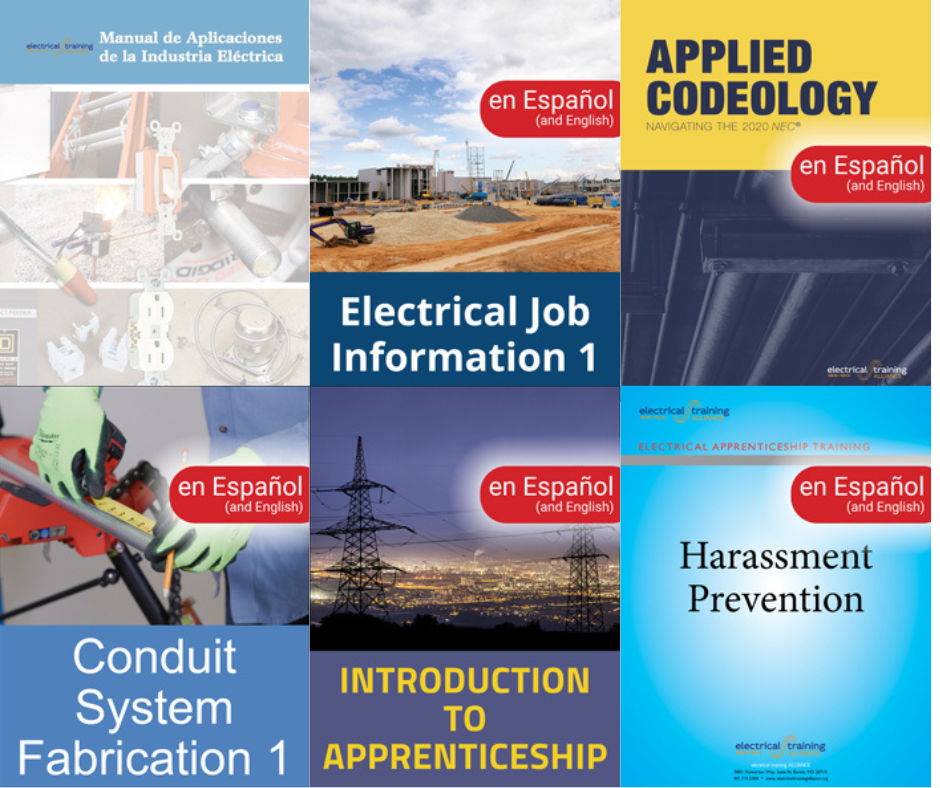
The Significant Code Changes to the 2023 NEC course is an asynchronous course and contains the most significant revisions and new requirements associated with the 2023 NFPA 70 NEC. The course has seven topics that each cover Code articles and their associated changes, along with a course completion certificate.

All training and reference material is contained within the course itself, but it is highly recommended to purchase the Significant Changes to the NEC 2023 textbook or e-Book that follows closely to the course and can provide the user with the information in a single-page format. Access to all materials is dependent upon an active internet connection and access to the LMS.

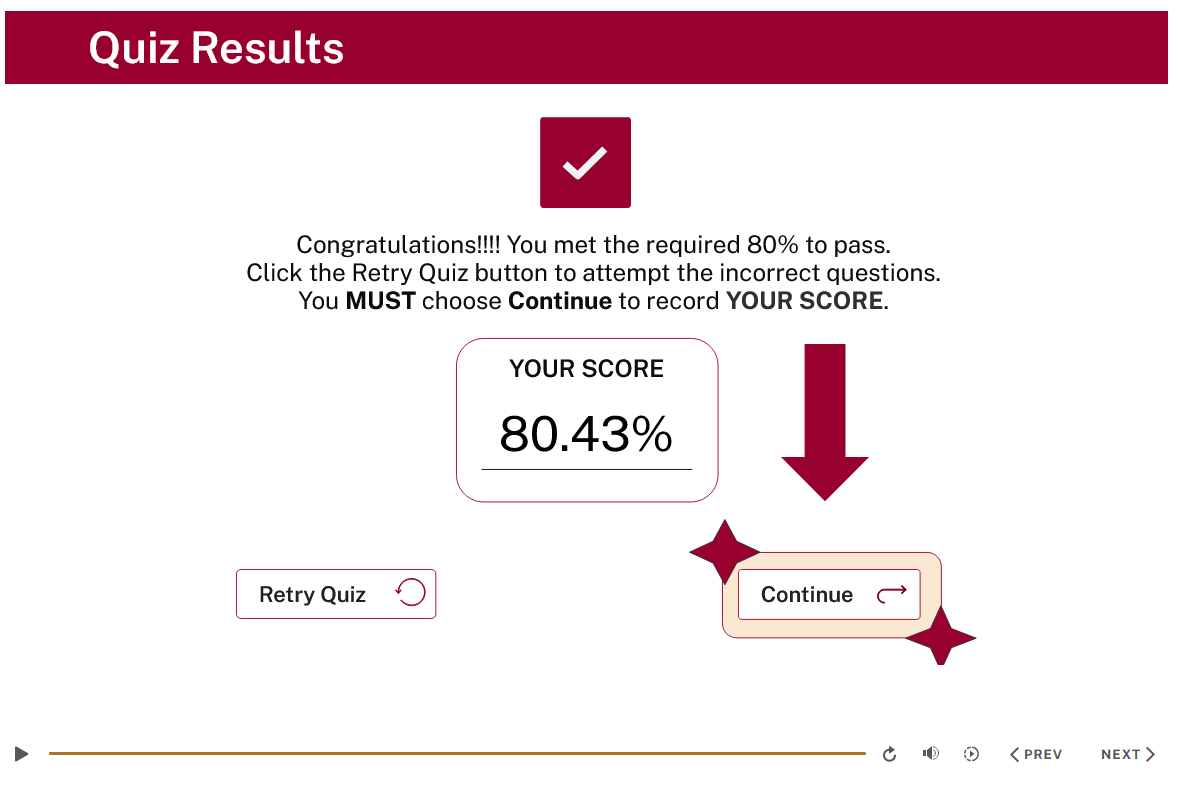
Each module within the course is presented with narrated instructions, followed by interactive knowledge checks on the Code-related changes of the associated article. You will need to achieve an overall score of 80% or higher to pass the module and continue through the course.

You can reattempt incorrect questions as many times as needed to obtain a passing score. Once a passing score is obtained, you will continue onto another module.

This course is designed to be completed within 60 days, even though your access will be determined through your training center. This is due, in part, to the ability for you to access the NEC language via the NFPA’s LiNK software. This access will last for only 60 days, so plan accordingly!

After completing all of the course modules, you will gain access to the course assessment quiz, which you will be required to pass with a score of 75%. A single score of 75% or greater will unlock the course survey and completion certificate.


Want to learn more about the basic structure of the course and see how it works? Check out this Course Directions Video that will give you a look at what is offered.


Still have questions?

Please read through the answers to the FAQs to see if we already have an answer for you.


If after you have read the FAQs doc and you have further questions, please contact Steve Strickland, your friendly customer service advisor, at 1.888.652.4007, or via email sstrickland@electricaltrainingalliance.org

Thanks for Reading!

Tech Math Announcement

The new home for the Tech Math course is https://www.skillsprep.org.

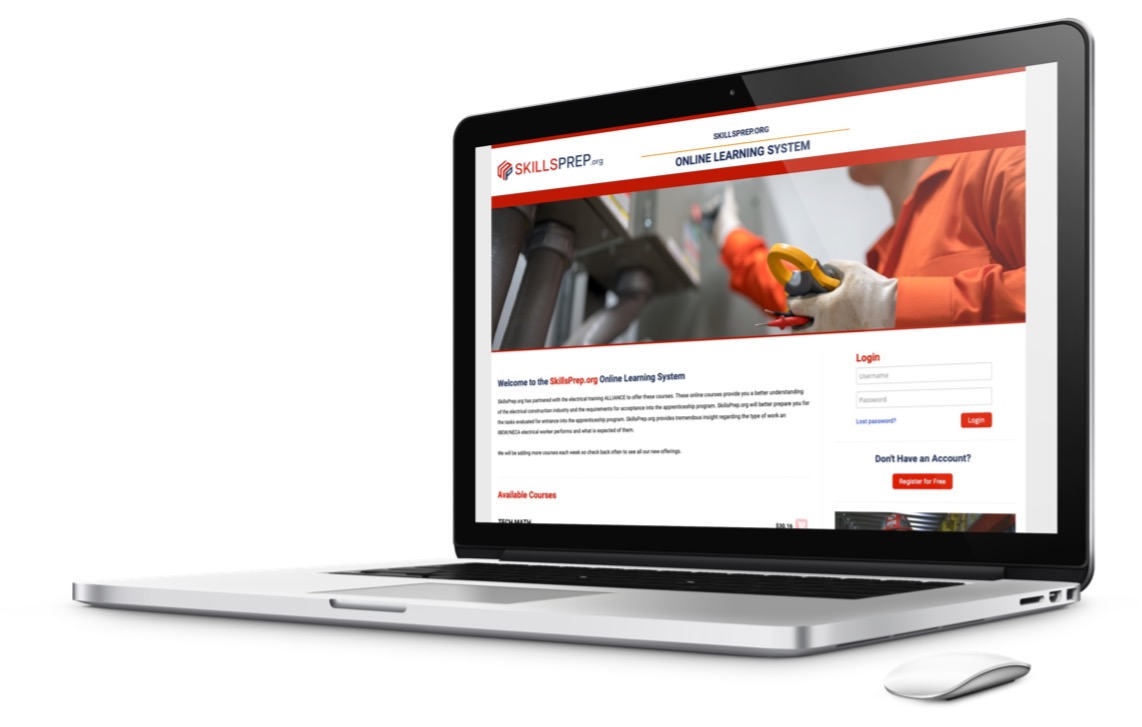
SkillsPrep.org is a site that allows you to send your applicants or students directly to purchase access to the Tech Math course. This is the same course available on the PTSI LMS and is a good primer for pre-apprentices to experience the system and other electrical industry courses.

Please read on to learn more about the new location for Tech Math and the skillsprep.org website. (more…)