
Effective Tuesday, November 25, 2025, JATCs will have access to a new, powerful tool inside the TMS. The Course Analytics dashboard are here to help your training location move beyond basic completion data and achieve true program optimization. Are you looking to pinpoint exactly where learners struggle, justify resource investments, or benchmark your team’s performance against national standards?
By leveraging granular data on grades, time-to-completion, and activity performance, you can uncover hidden challenges and align your curriculum with real learner behavior.
The Value of Granular Course Analytics
The Course Analytics feature within the TMS provides Training Directors with deep, actionable insights (“getting down in the weeds”) to enhance training effectiveness and resource allocation.
Access to this detailed training data allows you to explore course activity and performance metrics to understand how your location is performing compared to national trends.
Key Analytical Capabilities
The primary objectives of utilizing Course Analytics are three-fold:
- Identify Gaps & Effectiveness: Use granular data, such as grades and time-to-completion, to pinpoint specific learner struggle points, module bottlenecks, and areas that require curriculum adjustment or instructor support.
- Optimize Program & Resources: Analyze the actual time spent on courses to accurately plan scheduling, staffing, and pacing, ensuring programs are aligned with real learner behavior.
- Benchmark Performance & Set Goals: Compare your local completion rates, grades, and time metrics to national averages to evaluate your program’s standing. Find potential problem areas and areas of excellence, and utilize national data to assist in making future curriculum decisions.
Accessing Your Data
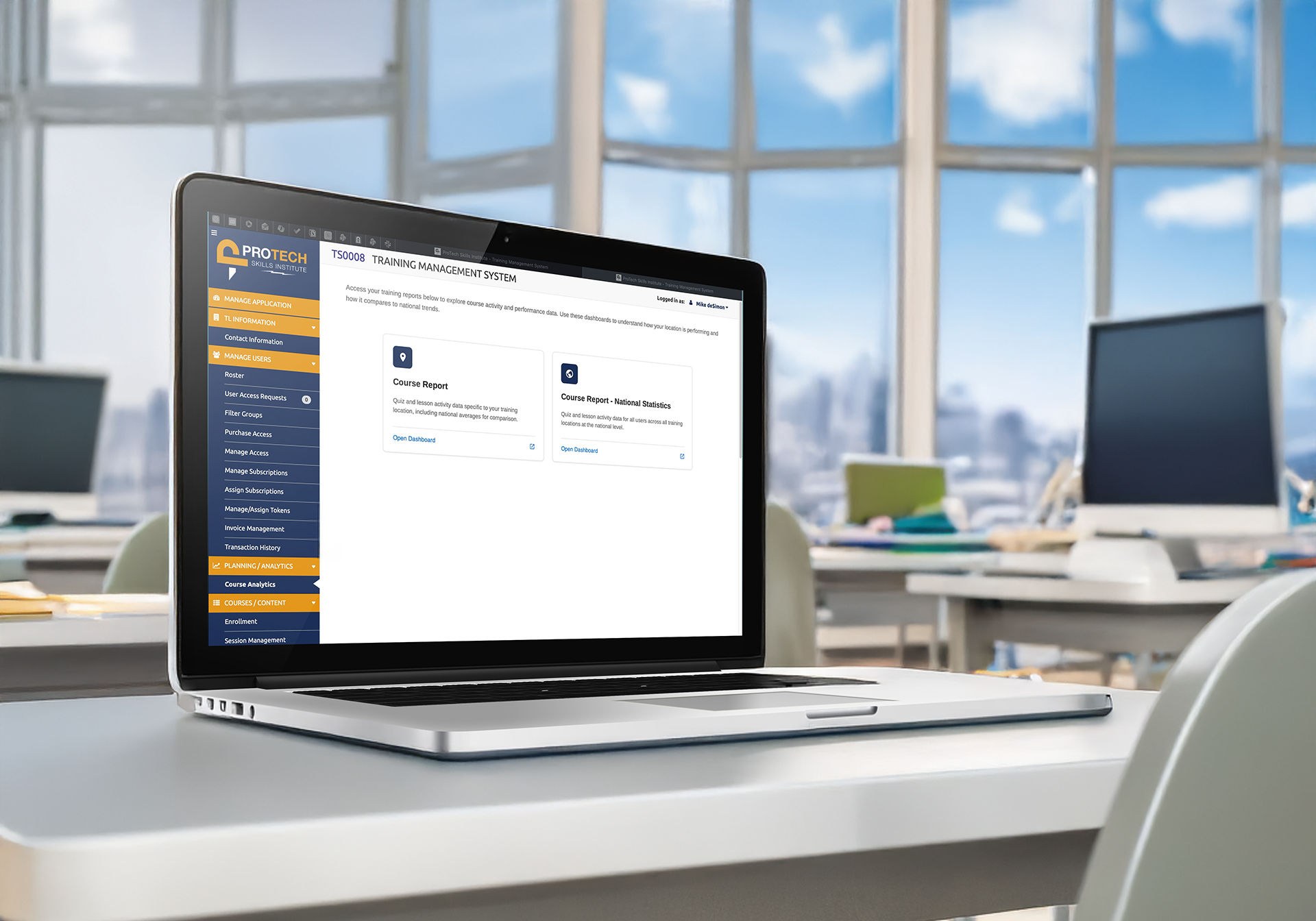
Users access their training reports, which are powered by Amazon QuickSight, via the PLANNING/ANALYTICS section of the TMS menu.
Two core dashboards are available for analysis:
- Course Report: Provides quiz and lesson activity data specific to your training location, including national averages for comparison.
- Course Report – National Statistics: Offers quiz and lesson activity data for all users across all training locations at the national level.
By regularly utilizing these dashboards and their control features (such as filtering by course, date range, and time minimums/maximums), you can ensure your training programs are highly effective and continually improving.
Stay tuned for more additions to the Planning/Analytics section coming soon!